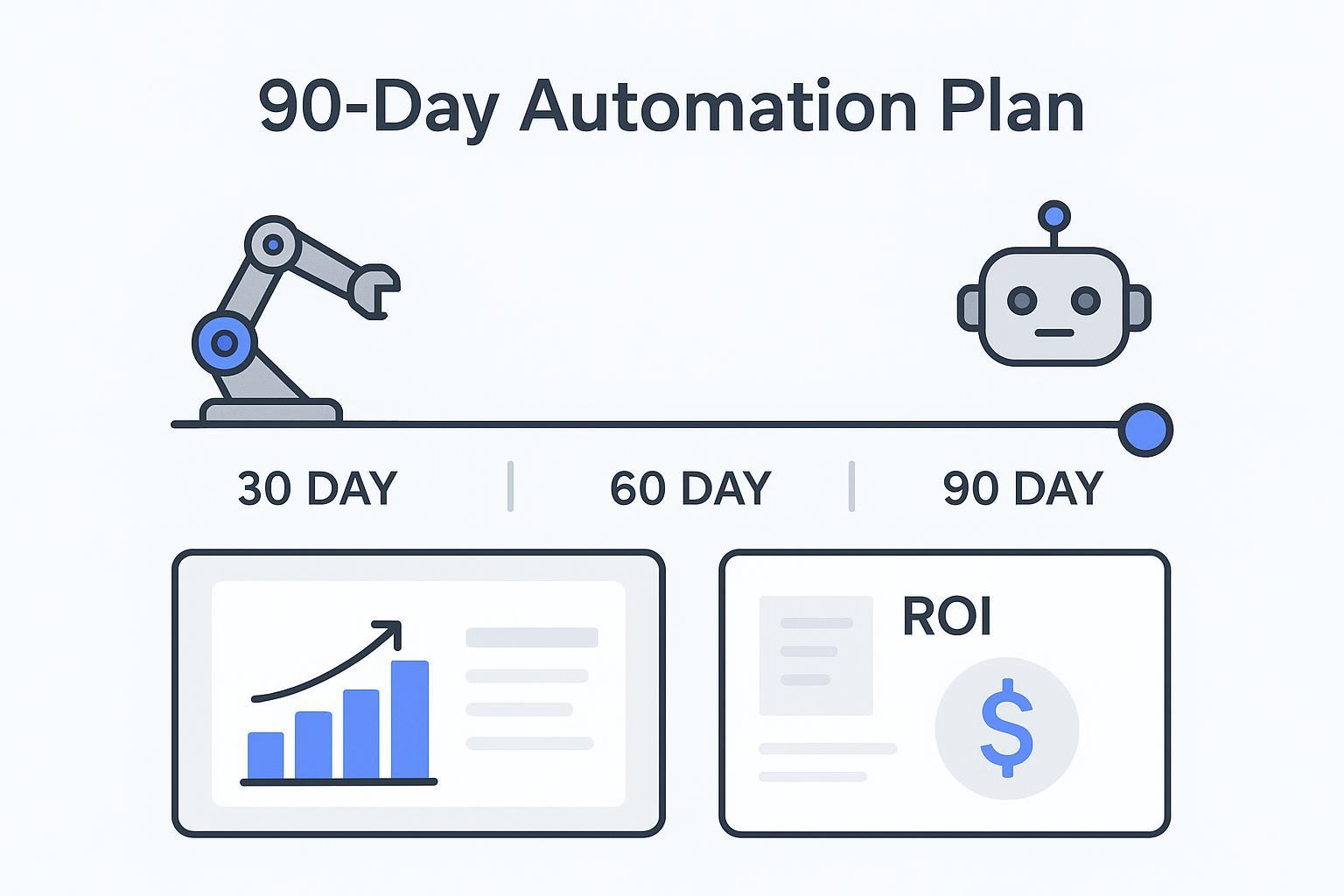
If you have 12–13 weeks to land an automation win, the right deck can save hours and sharpen the story. The best RPA PowerPoint templates don’t just look polished—they make it easy to present a realistic 90-day roadmap, quantify ROI, and show governance so leaders can say yes quickly.
This guide compares template and planning resources for a 90-day automation proposal, emphasizing timelines, business-case clarity, and editability. The numbered list is a selection guide, not a hands-on performance ranking. Check current product descriptions and license terms on each publisher’s site.
Key takeaways
Prioritize 90-day readiness: look for 30-60-90 or quarter-length timelines, clear milestones, and phase gates.
Insist on business-case depth: editable ROI tables, KPI definitions, and room for assumptions beat stock visuals.
Check editability and data workflow fit: strong masters, consistent layouts, and easy chart updates from spreadsheets save time.
Validate RPA-specific content: lifecycle, exception handling, governance, and risk visuals build credibility.
Verify licensing before use: prices and rights are subject to change; confirm commercial-use and attribution rules on the source page.
How we chose
Use these seven criteria to compare templates for a 90-day automation proposal:
90-day readiness (roadmaps and timelines)
Business-case depth (ROI, KPIs, assumptions)
Editability and data workflow fit (masters, theme, chart updates)
RPA-specific content quality (lifecycle, architecture, governance)
Visual communication and scannability
Licensing clarity and commercial use
Price-to-value ratio
When numbers change week to week, keep the ROI calculations in a reviewed source workbook and check the deck against it before presenting. hiData AI Sheets can help analyze uploaded tables, while AI Slides can draft a presentation from reviewed material. For a framework to measure your own reporting effort and assumptions, see ROI of Automating Weekly KPI Reports.
The best RPA PowerPoint templates for a 90-day plan
Below, each item includes its purpose, content, formats, best-fit use, and license considerations. Some resources are supporting diagrams or written proposal structures rather than complete RPA slide decks. The slide-structure checklist later in this guide is a reusable outline; third-party template files must be obtained from their publishers under the applicable license.
1) SlideKit — Robotic Process Automation Template
Creator and link: SlideKit — Robotic Process Automation (RPA) Template
Inside the deck: Single-slide RPA overview focused on core benefits and pillars—useful as a quick opener or summary.
Editability and formats: Built for PowerPoint and Google Slides per site-wide compatibility statements.
Best for: Adding a concise context slide. Not for complete 90-day proposals or ROI pages.
Pricing and license: Access appears gated via login; price not listed; subject to change.
Evidence: See product page description and compatibility notes on SlideKit.
2) SlideKit — Robotic Process Automation Presentation Template
Creator and link: SlideKit — RPA Presentation Template
Inside the deck: A fuller RPA narrative—benefits, implementation strategies, roles, and case references. Add timeline and ROI slides from other packs as needed.
Editability and formats: PowerPoint and Google Slides.
Best for: Building a broad RPA story fast. Not for teams that require built-in 90-day roadmaps or calculators.
Pricing and license: Gated access; price not listed; subject to change.
Evidence: Product page plus SlideKit roadmap category for supplementary timelines.
Keep ROI slides current by updating the source workbook, checking the calculations, and verifying the presentation against the same reporting date. The reporting ROI guide explains how to keep assumptions and your own effort measurements visible.
3) SlideBazaar — RPA Cycle Diagram
Creator and link: SlideBazaar — RPA Cycle Diagram
Inside the deck: Circular lifecycle visual to explain discovery, build, test, and improve—great for governance and continuous improvement messaging.
Editability and formats: PowerPoint and Google Slides; vector-based shapes and icons.
Best for: Explaining lifecycle and operating model. Not a substitute for a week-by-week roadmap.
Pricing and license: Login required; price not disclosed; subject to change.
Evidence: Product page.
4) SlideBazaar — Robotic Process Automation PowerPoint Template
Creator and link: SlideBazaar — RPA PowerPoint Template
Inside the deck: Circular process slide with labeled stages; duplicate to show discovery → build → UAT → hypercare phases.
Editability and formats: use the PowerPoint file or any other format explicitly offered on the current publisher page; check compatibility before selecting a plan.
Best for: Process explanation. Not for ROI or detailed 12–13 week timelines.
Pricing and license: Premium download behind login; price not listed; subject to change.
Evidence: Product page.
5) SlideBazaar — RPA Strategy Multi-Step Template
Creator and link: SlideBazaar — RPA Strategy Multi-Step
Inside the deck: Step-by-step strategy visuals that can align with phase gates in a 90-day rollout.
Editability and formats: PowerPoint and Google Slides.
Best for: Framing phases and stakeholders. Not a ready-made 30-60-90 slide.
Pricing and license: Paid; login needed; subject to change.
Evidence: Product page.
6) Slidesgo — Business Process Automation with AI Infographics
Creator and link: Slidesgo — Business Process Automation with AI Infographics
Inside the deck: Infographics and KPI blocks for budgets, timelines, and analysis; helpful for business-case and dashboard pages.
Editability and formats: PowerPoint, Google Slides, and Canva; 100% editable.
Best for: Enhancing ROI/KPI visuals. Not a complete RPA proposal.
Pricing and license: the linked Slidesgo item is currently marked Premium. Check its current subscription, attribution, and commercial-use terms; do not assume it is a free template.
Evidence: Template page and Slidesgo pricing and terms pages.
7) Proposal Kit — Robotics Automation Project Proposal
Creator and link: Proposal Kit — Robotics Automation Project Proposal
Inside the pack: a Word proposal structure for a robotics automation project. It concerns robotics more broadly, rather than a ready-made software RPA deck; adapt relevant scope, budget, and schedule sections to your own automation proposal.
Editability and formats: the standalone template is a Word document. Proposal Pack and Professional bundles add different software features; do not assume the standalone purchase includes the Wizard or Word-to-PowerPoint conversion.
Best for: Teams starting with a written proposal. Not a PowerPoint deck by default.
Pricing and license: Sold in packs/bundles; terms vary; subject to change.
Evidence: Product and guide pages on Proposal Kit.
8) SlideModel — 30–60–90 Day Business Plan Template
Creator and link: SlideModel — 30–60–90 Day Business Plan PowerPoint Template
Inside the deck: Multiple 30/60/90 layouts for goals, activities, and summaries—ideal for a quarter-long RPA plan.
Editability and formats: editable PowerPoint layouts; check the publisher’s current supported formats for any Google Slides or other workflow.
Best for: Explicit 90-day roadmap. Not RPA-specific out of the box.
Pricing and license: Available via SlideModel subscription; subject to change. See FAQ for commercial-use terms.
Evidence: Template page and SlideModel FAQ.
9) SlideModel — Project Gantt Chart Slide Template
Creator and link: SlideModel — Project Gantt Chart Slide Template
Inside the deck: Editable Gantt with status colors; map discovery, build, UAT, and hypercare tasks across 12–13 weeks.
Editability and formats: PowerPoint; compatible with common presentation tools.
Best for: Visualizing task timing and dependencies. Not a business-case slide.
Pricing and license: Included in subscription; subject to change.
Evidence: Template page and SlideModel how-to article for extra guidance.
10) SlideModel — Project Plan Presentation Timeline Template
Creator and link: SlideModel — Project Plan Presentation Timeline Template
Inside the deck: Clean milestone-first timelines for executive readouts; pair with ROI and governance slides.
Editability and formats: PowerPoint; compatible with major tools.
Best for: Executive-friendly milestone overviews. Not RPA-specific.
Pricing and license: Subscription; subject to change. See FAQ.
Evidence: Template page and SlideModel FAQ.
Comparison table
Template name | Source | 90-day roadmap | Business case slides | Formats | Price from | License notes |
|---|---|---|---|---|---|---|
Robotic Process Automation Template | SlideKit | No | No | PPTX, Google Slides | Login required | Not stated on page, subject to change |
RPA Presentation Template | SlideKit | Not stated | Not stated | PPTX, Google Slides | Login required | Not stated on page, subject to change |
RPA Cycle Diagram | SlideBazaar | Adaptable | Not dedicated | PPTX, Google Slides | Login required | Not stated on page, subject to change |
RPA PowerPoint Template | SlideBazaar | Adaptable | Not dedicated | PPTX | Login required | Not stated on page, subject to change |
RPA Strategy Multi-Step | SlideBazaar | Phased steps | Not dedicated | PPTX, Google Slides | Login required | Not stated on page, subject to change |
BPA with AI Infographics | Slidesgo | Assists timelines | KPI blocks | PPTX, Google Slides, Canva | Premium sub | Premium item; check current attribution and use terms |
Robotics Automation Project Proposal | Proposal Kit | Narrative schedule | Budgets and quotes | Word, software | Pack pricing | Pack license and EULA, subject to change |
30–60–90 Day Plan | SlideModel | Yes | No | PPTX | Subscription | Commercial use under SlideModel EULA |
Project Gantt Chart | SlideModel | Yes | No | PPTX | Subscription | Commercial use under SlideModel EULA |
Project Plan Timeline | SlideModel | Yes | No | PPTX | Subscription | Commercial use under SlideModel EULA |
Slide structure checklist for a 90-day plan
Executive summary with the “why now” and the expected outcome in 90 days
Problem and baseline metrics that quantify manual effort and error costs
Proposed automation scope and selection criteria tied to business impact
30-60-90 roadmap with milestones, owners, deliverables, and phase gates
Business case and ROI with assumptions, sensitivity, and KPI targets
Implementation approach covering discovery, build, UAT, and hypercare
Governance and RACI for decisions, sign-offs, and change control
Risks and mitigations including data quality and exception handling
KPI dashboard and reporting cadence for leaders
Resource plan and cost table including software, people, and services
Next steps and decision ask
FAQ
Are these templates editable in PowerPoint and Google Slides
Most listed options support PowerPoint, and many also support Google Slides. SlideModel and Slidesgo explicitly note compatibility. SlideKit and SlideBazaar commonly offer PPTX with Google Slides variants on some items—verify on the vendor page before purchase.
How do I adapt a generic RPA deck to a 90-day plan
Start with a 30-60-90 template for structure, layer in a Gantt for task timing, and add lifecycle and governance visuals for credibility. For ROI pages, use editable tables and link charts to a spreadsheet so you can refresh assumptions quickly.
What licensing restrictions should I check
Confirm commercial-use rights, attribution requirements, redistribution limits, and seat/subscription scope. Pricing and terms are subject to change. Always review the vendor’s license page before using templates in client-facing work.
Can I add my RPA platform architecture like UiPath, Automation 360, or Blue Prism
Yes. Most templates use editable shapes and icons. Insert a simplified platform diagram and reference integration points, exception handling, and security controls. Keep it high level for executive audiences.
How do I keep ROI slides current without rebuilding charts
If you update assumptions weekly, keep your calculations in one reviewed workbook and use linked Excel charts in PowerPoint where supported. Test the saved links on the presentation computer. AI-generated slide drafts still need a separate refresh and number-checking step; see ROI of Automating Weekly KPI Reports for a measurement framework.
Pricing and usage-rights disclaimer
Prices and license terms are subject to change at any time. Verify “from” pricing, subscription tiers, attribution requirements, and commercial-use permissions on each vendor page before purchase or use. Avoid re-distributing marketplace assets unless your license explicitly allows it.
Next steps
Pick a template combination that covers 30-60-90, a Gantt, and ROI/KPI pages.
Draft the narrative and assumptions, then bind charts to a live spreadsheet for fast refreshes.
Run a 30-minute review with stakeholders to confirm milestones, owners, and risks before you polish visuals.
Use hiData AI Slides to draft a proposal presentation from reviewed data, reports, or prompts. Keep ownership of the source model, assumptions, and final approvals, and check each updated deck before sharing.
